Open Geoviewer
Jump to navigation
Jump to search
Open Geoviewer 


- Select the Open Geoviewer icon
 in the toolbar. The cursor changes to an arrow.
 The toolbar icon is disabled if the map is not georeferenced.
 - Click into the drawing area and drag a direction.
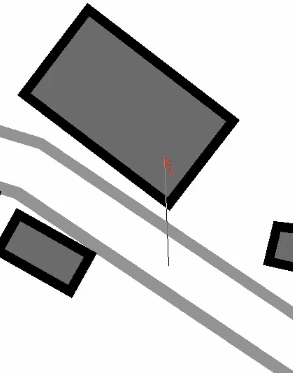
- OCAD opens the web browser with Google Street View at the chosen position and direction.


- Here you see the building, in which OCAD has its office.
- Here you see the building, in which OCAD has its office.
